
Tax extractor
Every line on the returngets a treatment you can see.
Include it, add it back, exclude it as non-recurring, or flag it for review. The choice sits next to the number, so a one-time gain never quietly inflates coverage and no one has to reconstruct the analyst's thinking later.
- Line by lineEvery entry carries a treatment
- Multi yearTrends and averages side by side
- AuditableThe choices stay on the page
What this review covers
Add-backs are decisions, not formulas
Depreciation, amortization, interest, and other add-backs are selected on the worksheet, which means the next reader can see what was included and why.
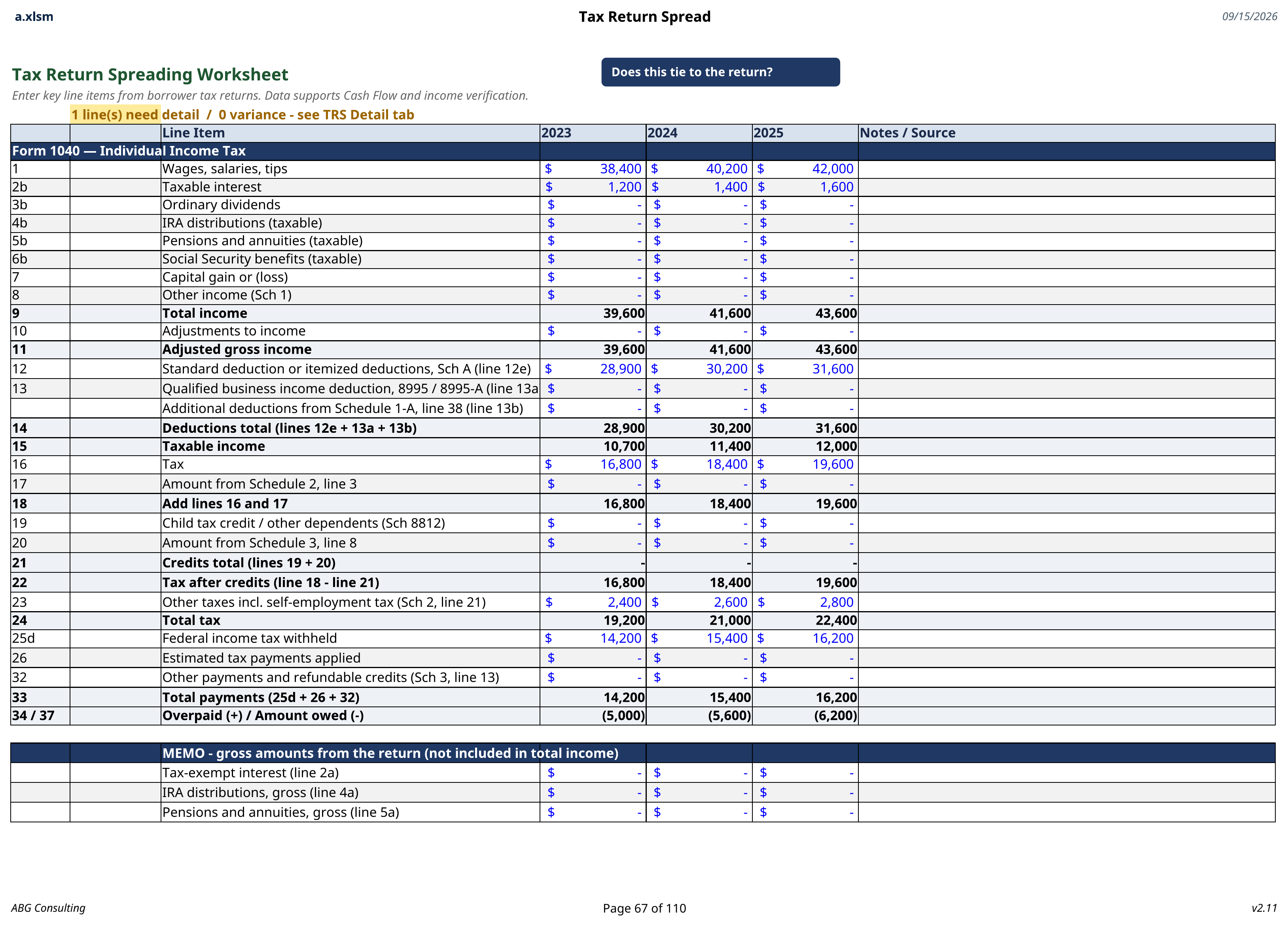
The worksheet follows the return
Lines are captured in the order they appear on the return, so anyone checking the spread against the source document can follow it top to bottom.
Years compared where they matter
Multiple years sit next to each other, so a trend is visible on the same page the coverage calculation reads from.
Before and after
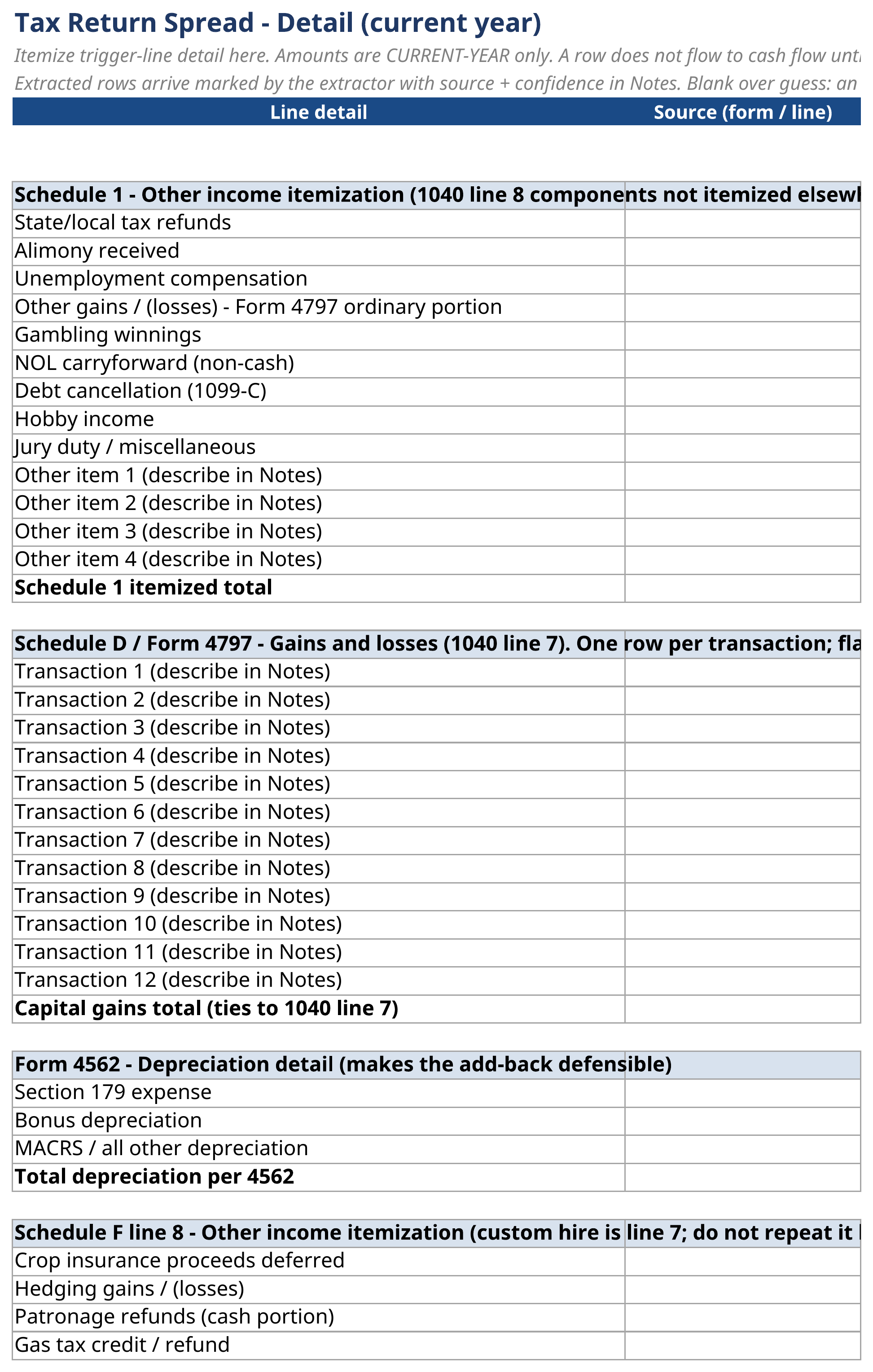
The return goes in. The spread comes out.
Nothing is re-keyed between these two pages, and every cell on the right names the form and line it came from.
Before
The return as the borrower's accountant filed it.
After
Every line placed, treated, and totalled in the spread.
- Lines placed, not re-typed
- Each figure lands in the cell it belongs in.
- Treatments stay visible
- Include, add back, exclude, or flag, recorded on the page.
- Ties back to the source
- Every spread cell names the form and line it came from.
How the spread runs
From the return to usable cash flow
Extract
The return is entered once
Income and expense lines are captured in the order they appear on the return, so the worksheet can be checked against the source document without hunting.
Treat
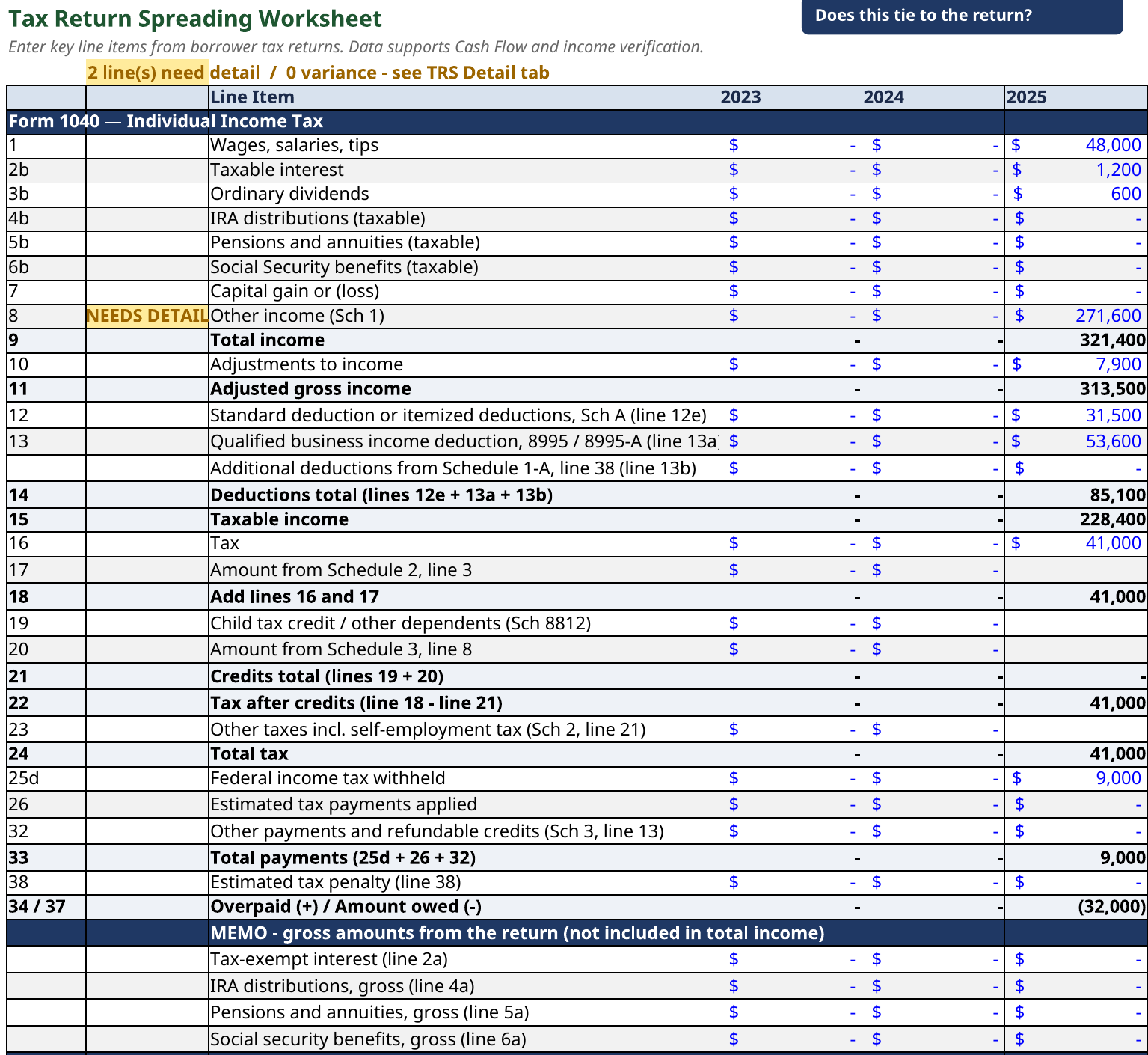
Each line is classified
The treatment column decides whether the line counts toward recurring cash flow. Nothing is hidden inside a total, and the classification prints with the file.
Feed
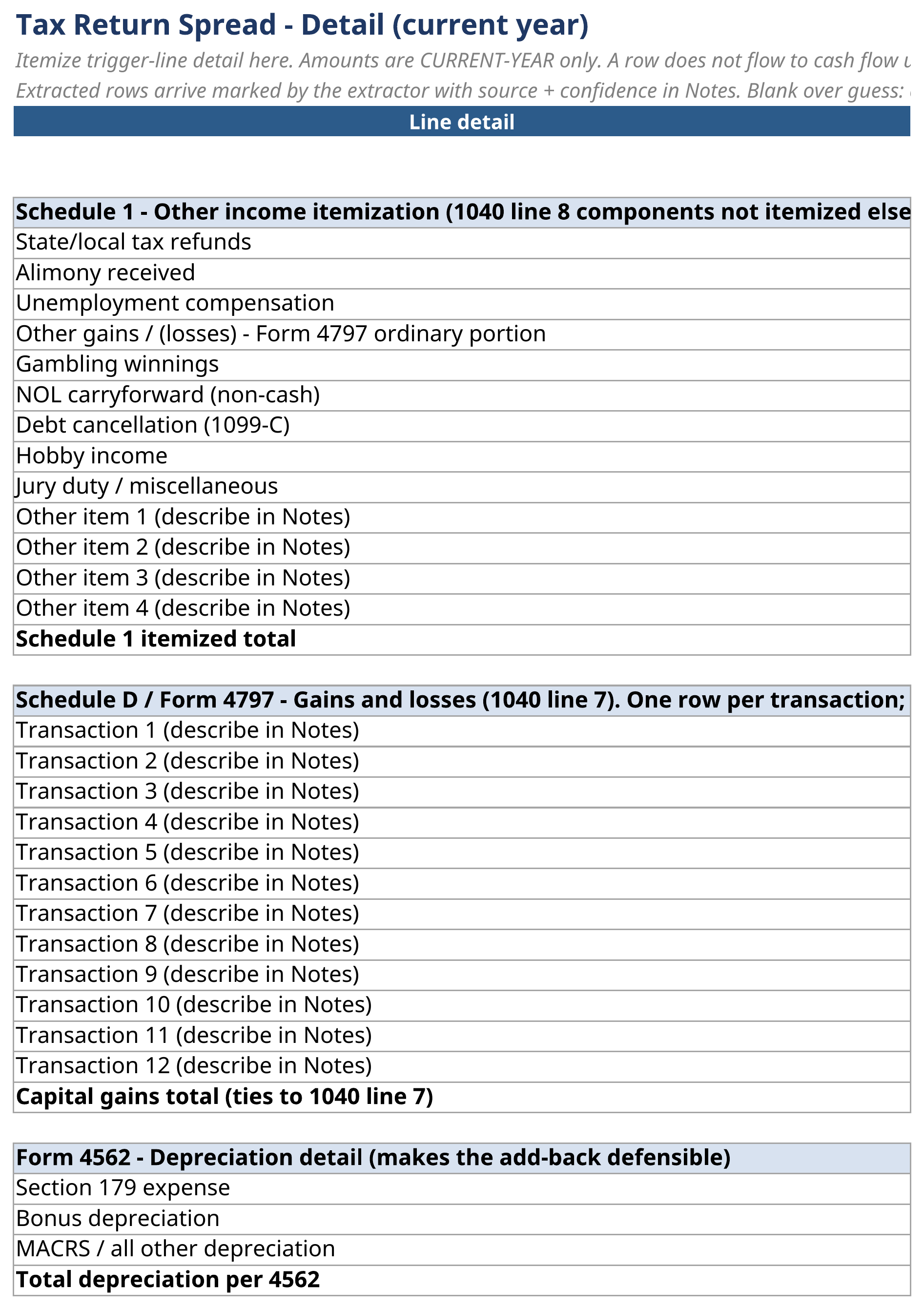
The result flows into coverage
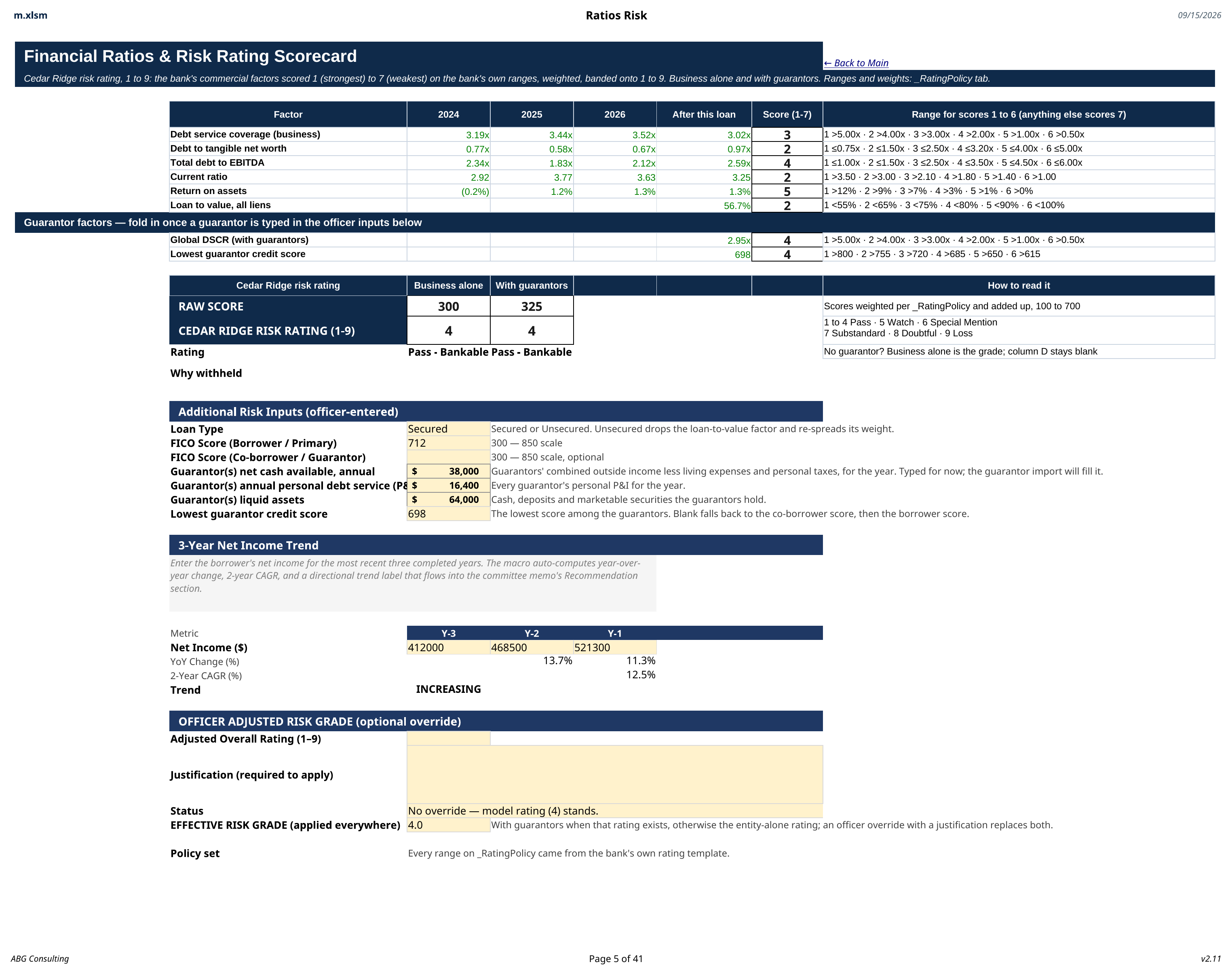
The recurring figure feeds cash flow and debt service coverage in the review, so the grade is built on the same number the spreading worksheet produced.
The index
What the extractor handles
- 01
Business returns
Operating income and expenses spread line by line.
- 02
Personal returns
Wages, schedules, and pass-through income.
- 03
Add-backs
Depreciation, amortization, and interest applied by choice.
- 04
Non-recurring items
One-time gains isolated from recurring cash flow.
- 05
Multi year view
Years side by side with the trend visible.
- 06
Averaging rules
Averages applied where policy calls for them.
- 07
Review flags
Lines the analyst wants a second look at, marked.
- 08
Direct feed
Results flow into cash flow, coverage, and the grade.
Also in the suite